


One Step Ahead of IT. We do IT right.

Insights

Break-glass accounts in Microsoft 365: your company's insurance

A locked-out admin can leave email, Teams and files unmanaged for days. Break-glass accounts are the reserve administrator you only use when everything else fails.

Updated 12 October 20265 min read

More than 10 workstations · support contract · remote, on-site and phone support
At a glance

For decision-makers short on time.

  • 01Break-glass accounts: standby global administrators for when normal access fails.
  • 02At least two, cloud-only (.onmicrosoft.com), with a FIDO2 key or certificate.
  • 03Microsoft's mandatory MFA covers them: a password in an envelope is no longer enough.
  • 04The company keeps the keys, in two places, with an alert on every use and a test every 90 days.
In this article

If the only Microsoft 365 administrator loses access, the company loses control of email, Teams and files, and recovery comes down to requests to Microsoft support and proof of ownership. Break-glass accounts exist so that this never happens. They are standby global administrators, held by the company itself, used only when everything else has failed. This guide tells you how many to create, how to protect them and who keeps the keys.

Which situations leave a company without an administrator?

Rarely a sophisticated attack. Almost always something trivial:

  • Second factor lost The only administrator's phone broke, was replaced or went missing, and it was the only method configured.
  • Conditional access switched on badly A rule such as "Portugal only" or "company devices only" went live with an error and locked everyone out, including its author.
  • A departure with no handover An employee or the previous supplier left and took the credentials with them.
  • Account taken over An attacker got in as administrator and changed the password and authentication methods.

The question is always the same: who gets in now without needing the account that went down?

A simple picture: think of the emergency hammer behind the glass on a train. Nobody uses it day to day, everyone knows where it is and breaking the glass sets off an alarm. When it is used, there has been an emergency, and it is recorded.

How should a break-glass account be set up?

Microsoft documents the topic in Microsoft Entra, the identity service that underpins Microsoft 365. Translated into decisions:

  • At least two If one becomes unusable or compromised, the other remains.
  • Cloud-only, on .onmicrosoft.com Independent of the on-premises server, synchronisation and the custom domain.
  • No personal owner No accounts named after an employee and no personal phones as a factor.
  • Phishing-resistant, passwordless authentication A FIDO2 physical key (the option Microsoft favours) or a certificate, different from the method used by regular admin accounts.
  • Outside the blocking rules Excluded from conditional access, so that a mistake does not lock them out too.
  • Permanent global administrator The role always active, not "eligible" on activation request.
  • Physically separated credentials Separate safes, accessible only to authorised people.
  • An alarm on every use Any sign-in triggers a critical alert to the decision-makers.
  • Quarterly test At most every 90 days and whenever the IT team or the subscription changes.

Does a password kept in an envelope still work?

No. That practice ended when Microsoft made MFA mandatory on its admin portals, in the Microsoft 365 admin centre since February 2025. The documentation is explicit: emergency accounts are no exception.

For these accounts, Microsoft points to two methods: a FIDO2 physical key or certificate-based authentication. In an SME, the most practical route is two physical keys per account, in different locations. We compare the available methods in our guide to multi-factor authentication for businesses.

Who should keep the keys?

The company's management, never the IT supplier. It is a management decision, not a technical one.

  • First key In the company safe, within reach of management.
  • Second key Somewhere else: another office, a director's personal safe or a bank safe deposit box.
  • Record Who has access, where they are and the date of the last test, in writing.
  • Associated passwords In a business password manager, in a vault reserved for management.

The IT partner operates with named admin accounts, one per engineer. Break-glass accounts ensure the company is never dependent on anyone, us included. We recommend confirming this point in any contract, as we detail in what an IT contract should say about exit and data.

Is my company protected? Eight questions

  1. Are there two or more emergency accounts on .onmicrosoft.com?
  2. Are they unlinked from any person or personal phone?
  3. Do they authenticate with a physical key or certificate, rather than SMS or an app?
  4. Are they excluded from the conditional access that blocks sign-ins?
  5. Does management know where the keys are, and are they kept apart?
  6. Does a sign-in to one of them trigger an alert immediately?
  7. Was the last test less than 90 days ago?
  8. Does each engineer have their own admin account, with no sharing?

Two or more "no" or "don't know" answers mean a concrete risk. Many of the failures we find in Microsoft 365 email protection start precisely in administration.

How do we apply this in practice?

At the Union of Parishes of Massamá and Monte Abraão, DataRoad moved around 50 mailboxes to Exchange Online, with all content transferred, workstations and phones reconfigured and final validation. In a public body, administration of the environment must remain with the body, whoever the provider is.

It is the standard in every Microsoft 365 environment we manage: named accounts for engineers, emergency accounts in the client's hands and an unambiguous access record.

Questions decision-makers ask

How many break-glass accounts does a company need?

A company needs at least two break-glass accounts, according to Microsoft. That way, if one fails or is compromised, the company keeps its way in.

Can the administrator's phone serve as the second factor?

It should not. These accounts cannot depend on people or personal devices; Microsoft recommends a FIDO2 key or certificate.

Is a password enough to protect the emergency account?

No. MFA is mandatory on Microsoft's admin portals and emergency accounts are subject to it too.

Where should the emergency keys be kept?

With the company, in two separate secure locations, with an access record. The IT partner uses its own named accounts.

Want your Microsoft 365 administration reviewed in 5 working days?

We audit admin and emergency accounts, authentication methods and access rules, and deliver the fixes in order of priority, with no commitment. See our Microsoft 365 management and the IT Unlimited managed services plans.

More than 10 workstations · support contract · remote, on-site and telephone support. +351 211 459 950 * · sales@dataroad.pt

*Call to a Portuguese landline.

Sources

Chosen by respected and international companies

Garcia, GarciaGuestUNMQ DigitalMinistério PúblicoVentaskETISMEGReltio by SAPRestreamVelvEscola Nacional de Saúde PúblicaCircuito EstorilSyoneCreative MindsInstituto Superior TécnicoRTPUniversidade Católica PortoUniversidade Católica PortuguesaFaculdade de Medicina de LisboaUniversidade de LisboaClínica MulherPresidência da RepúblicaESELUpMUN[it]STENEmbajada de España en PortugalNBCC ConsultingInstituto dos Registos e do NotariadoVila GaléBe Poet Baixa HotelBe Hotel LisboaRossio Plaza HotelServiced Apartments Boavista PalaceMitrelliJunta de Freguesia de Massamá e Monte AbraãoInsidepurpleUniveteColégio MinervaPTR Pharma ConsultingInfocapitalHD Duecitânia Design HotelYunit ConsultingMyWindowArqsizeAxiaVestasContinentalGRENKEBaker TillyVINCI AirportsANA Aeroportos de PortugalE.LeclercUriachbeqomNewhotel SoftwareeasyHotelOuro Rossio HotelNicola Rossio HotelClínica LambertBanco do BrasilBoostUphillHole19Ambassade de France au PortugalU.S. Embassy PortugalEmbaixada da Arábia SauditaEmbassy of CyprusPanikeAugusta LabsIGASSISPorta da Frente Christie’sonRisingFresh DesignGesto EnergyBernerQuatenusSegurança SocialCâmara Municipal do MontijoBreak-glass accounts in Microsoft 365: your company's insuranceCiphraCentury 21Hotel Solar PalmeirasSINCTAAPCTAVarandas de Lisboa★★★★★ 5,0 · 52 Google reviews

Numbers you can verify

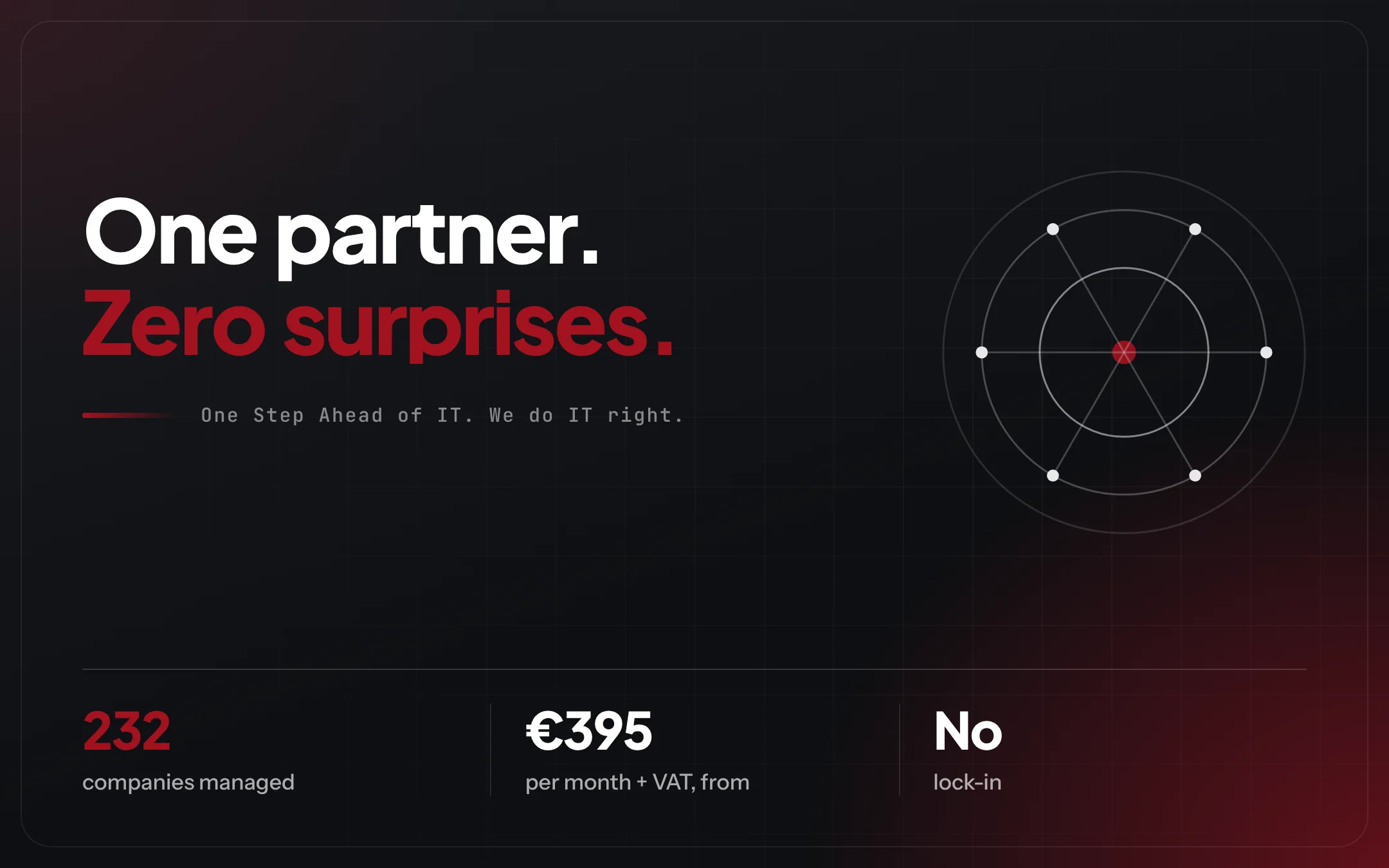
11years in business
232clients
< 10 minaverage response time
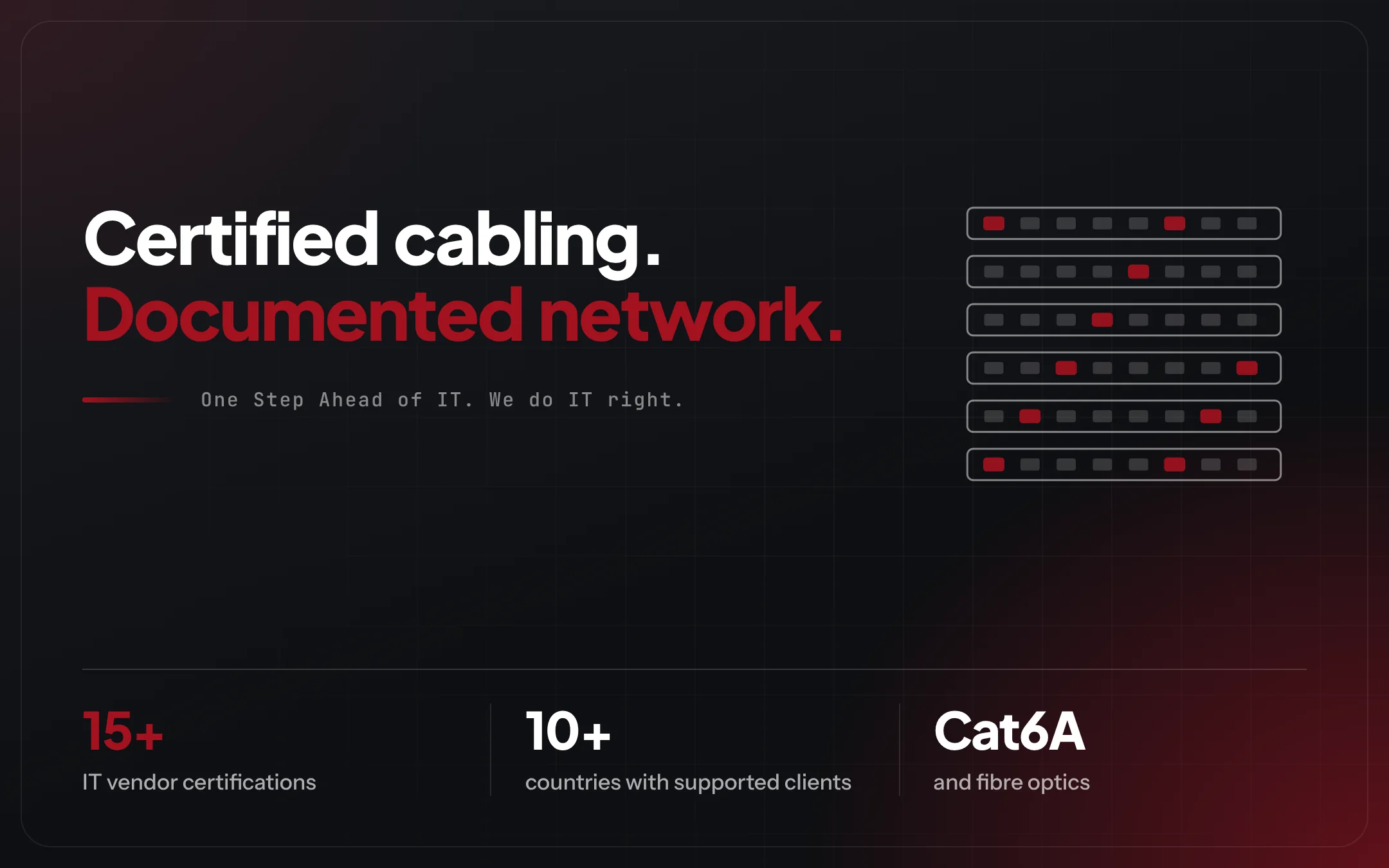
15+IT vendor certifications
10+Countries with clients supported
5.0 ★52 Google reviews
Transparency

What many providers hide, we publish.

  • Prices upfrontEssential from €395/month + VAT, Premium from €750 and Premium 365 from €1,200.
  • No lock-inAnnual contract, no lock-in and no joining fees.
  • Everything in writingWhat is included, the scope and the price, before you sign.
  • Support without counted hoursRemote and phone in every plan; on-site support from Premium.

Partners and certifications

Apple Technical PartnerUbiquitiUniFi Partner ProgramMicrosoftMicrosoft Partner NetworkMicrosoft AzureFortinetCiscoCisco MerakiSophosESETVMwareDell Technologies PartnerHewlett Packard EnterpriseHPE Aruba NetworkingLenovoSynologypfSenseNetgateAcronisPalo Alto NetworksMikroTikRuckusNetgearBitdefenderMcAfeeSymantecRed HatAWSGoogle CloudGoogle PartnerSeagateAPCEatonSnomDahua

DataRoad · Cloud and Microsoft 365

One StepAhead of IT.

The right licences, MFA on every account and backups that actually restore. The cloud stops being an invoice and becomes a tool.

  • Failoverredundant internet and power autonomy
  • 232clients under management
  • 11years in business, since 2015

We do IT right.

DataRoad IT Unlimited

Operational continuity is not luck. It is method and contract.

IT Unlimited reduces risk and shows in writing what changed.

Request a proposal, no commitment →+351 211 459 950 **Call to a Portuguese landline · More than 10 workstations · support contract · remote, on-site and phone supportNot sure what you need? Talk to the assistant →


Google Business Review 5.0 ★★★★★