24×7 IT monitoring (Premium 365) and NOC for companies
Monitoring is knowing that the server disk is going to fill up before it fills up, and not after the email stops working. A DataRoad presta monitorização IT 24/7 (apenas no Premium 365) através de um centro de monitorização próprio (NOC) que vigia, todos os dias do ano, os servidores, a rede, os postos de trabalho e as ligações à Internet dos seus clientes. Quando um valor sai do normal, o alerta chega-nos a nós, não a si. Na maior parte dos casos, o problema é resolvido antes de alguém na sua empresa dar por ele.
What proactive monitoring means in practice
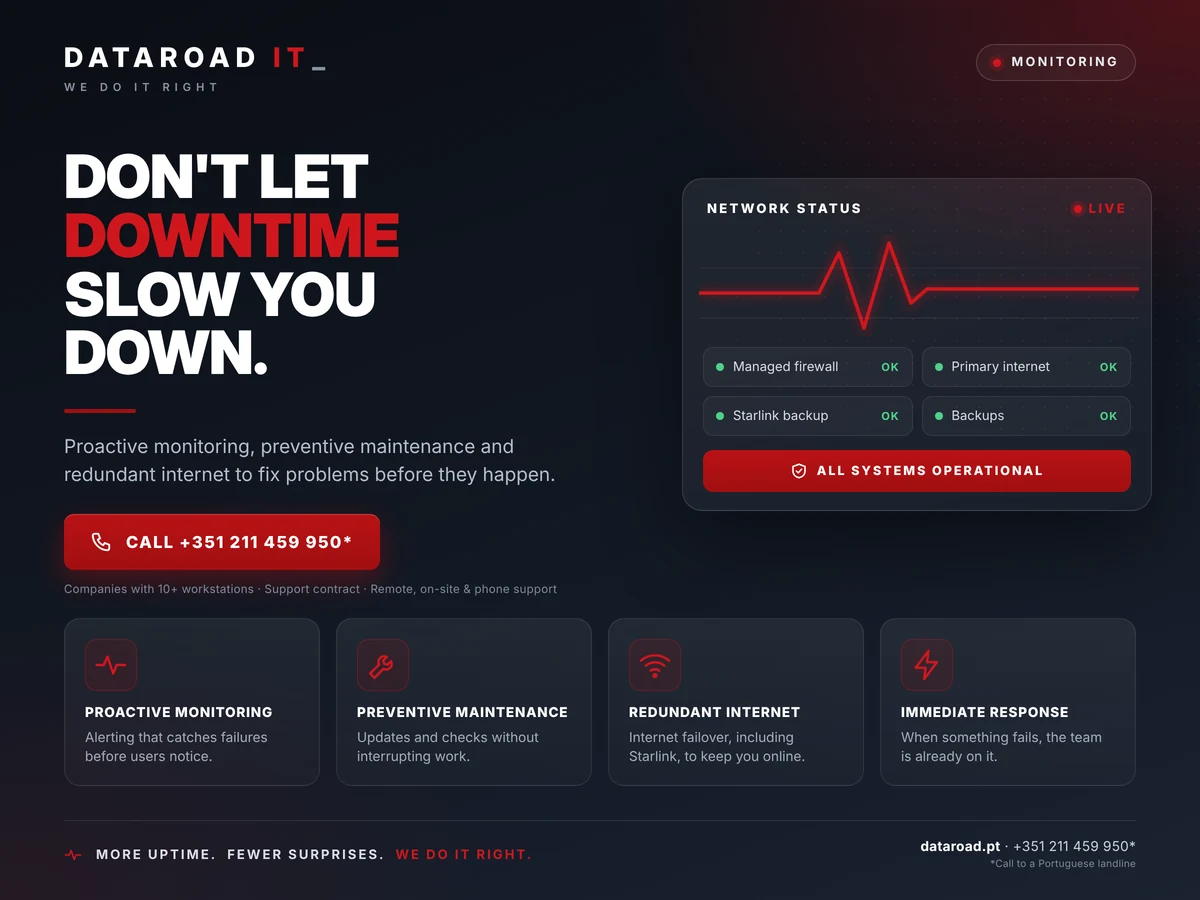
The difference between reactive and proactive support fits in a single sentence: in reactive, the client calls to say something has stopped; in proactive, the provider calls to say something was going to stop and no longer is. For this, a system is needed that continuously measures the status of each piece of equipment and triggers alerts when a threshold is exceeded. At DataRoad, that system is Zabbix, with Grafana dashboards, and it covers by default:
- Physical and virtual servers. CPU, memory, disk space, disk status (SMART and RAID), critical services, backups completed or failed, temperature and power supplies.
- Network. Switches, Wi-Fi access points, firewalls and routers — availability, latency, port errors, link saturation, access points dropping and reconnecting.
- Internet connections. Status of main and redundancy lines, response times, operator faults detected before customer complaint.
- Workstations. Pending updates, out-of-date antivirus, disks nearing capacity, devices that have stopped communicating.
- Cloud services. Availability of Microsoft 365, the customer portal, the website and other applications upon which the company depends.
- Certificates, domains and licences. Advance warning expiration dates, so an expired certificate doesn't take down the email or online shop on a Friday night.
What happens when an alert triggers
An unanswered alert is just noise. The value of monitoring lies in what you do next, and that is what defines a NOC:
1. Automatic triage
Each alert has a predefined severity level. A disk at 85% on a working day is a warning; an unresponsive file server is a critical incident. The severity level determines who is notified and by what means — email, dashboard, text message or phone call.
2. Remote intervention
Most alerts are resolved remotely immediately: freeing up space, restarting a service, restoring a connection, fixing a failed backup copy. The intervention is recorded as a ticket in our system, with time, technician and resolution, and appears on your customer portal.
3. Scaling and translation
When the cause is physical — a disk that has died, a burned switch, a cut line — the alert escalates to a trip to the site. In contracts with 24×7×365 coverage (Premium 365), this trip takes place outside of business hours, on weekends, and on holidays.
4. Root cause analysis and prevention
An incident that repeats itself is not an incident, it is a defect. Recurring alerts are reviewed monthly and give rise to concrete recommendations: replacing equipment, increasing capacity, redesigning a network segment. The monthly IT estate report includes this list.
Spot monitoring or managed monitoring?
| Criterion | Tool installed and forgotten | DataRoad-managed NOC |
|---|
| Who sees the alerts | An inbox that nobody opens | Shift-based technical team, with a defined rota |
| Limits and severities | Manufacturer's default settings | Customised by equipment and client; reviewed every month |
| False alarms | They accumulate until the tool is switched off | Every false alarm is fixed at source |
| Action after the alert | It depends on someone having time | Ticket open, remote intervention, call-out if necessary |
| Registration | Does not exist | Complete equipment history, visible on the customer portal |
| Cost | Licence + someone's time from the company | Included in the IT Unlimited contract |
What monitoring does not do
It is worth saying this clearly. Monitoring does not prevent all failures — a disk can fail without warning, an operator can cut the line without notice. What monitoring ensures is that the failure is detected immediately and not hours later, that the response begins immediately and that there is a record of what happened. It also does not replace backup copies or a business continuity plan: they are different layers, and that is why our contracts include all three. See the pages managed backups and of disaster recovery and business continuity.
Who it makes sense for
For any company where an hour’s downtime costs more than a month’s support. In practice, the customers who value 24×7 monitoring (Premium 365) the most are hotels and accommodations with permanent reception, clinics and offices with full schedules, embassies and agencies with availability requirements, and logistics and retail companies where the billing system cannot be stopped. If your company closes at 6pm and no one needs the systems until 9am the next day, monitoring remains useful — the evening alerts are handled in the morning before the team arrives — but you may not need 24×7×365 (Premium 365) coverage for travel.
Monitoring within IT Unlimited
Monitoring is not sold separately. It is part of all plans IT Unlimitedno Essential, the systems are monitored 24/7 and alerts are dealt with during working hours; in Premium, coupled with full fleet management and immediate response to critical incidents; in Premium 365, intervention — remote and on-site — is available at any time, every day of the year, with a dedicated technical account manager. What changes between plans is the intervention window, not the surveillance: that is always permanent.
How we got started
The first step is a stock take of the estate: what exists, what is critical, and what needs to be monitored more closely. We install the agents and probes, define the thresholds with the client and, during the first two to three weeks, we fine-tune the severities to eliminate false alarms. At the end of this period, the client receives access to the dashboards and the first monthly report. The entire process is carried out without downtime and without changing the way the team works.
A real-life case: six hotels, one console
In the Restauradores and Rossio area of Lisbon, DataRoad has installed and supports the infrastructure of six hotels - among them the Ouro Rossio Hotel, with 30 Wi-Fi points, 55 cameras and a firewall. They all share the same network architecture, the same security criteria and the same monitoring console. When an access point goes down at three in the morning, the alarm reaches DataRoad before it reaches reception; when a switch starts logging errors, it is replaced before guests even notice. In a hotel, where check-in, room Wi-Fi and the management system cannot stop, this is the difference between a problem solved in the early hours and a morning of complaints at reception.
What is put in writing
Monitoring is only worth as much as what is documented. The proposal and monthly report record:
- The monitored inventory — every server, network device, connection and workstation under surveillance, with its respective set of indicators.
- The limits and severities per indicator: from what value does a disk move to warning, from which does it move to critical, and who is notified in each case.
- The window of intervention the contracted plan — working hours, immediate response to critics or 24×7×365 (Premium 365) — and the agreed response time.
- The month's historyalerts triggered, interventions made, resolution time and recurring alerts with the corresponding recommendation.
- The state of the parkequipment at the end of life or warranty, licences and certificates expiring in the following 90 days.
Frequently Asked Questions
Does the monitoring view the content of our files or emails?
No. Monitoring measures the status of equipment and services — disk space, availability, load, errors — and does not access the content of files, emails or databases. The data collected consists of technical metrics and is kept on infrastructure managed by DataRoad.
Do we need to install anything on the computers?
A lightweight agent, which uses negligible resources, is installed on servers and workstations. Network equipment is monitored using the protocols it already supports (SNMP, vendor API), without installation.
What happens if the alarm goes off at 3 in the morning?
It depends on the plan. On the Essential plan, the alert is logged and handled at the start of working hours. On the Premium plan, critical incidents receive an immediate response. On the Premium 365 plan, remote intervention and callouts are available 24 hours a day, every day of the year, including weekends and bank holidays.
Can we see the monitoring dashboards?
Yes. Each client has access to their site's dashboards and the history of alerts and interventions via the client portal. The monthly report summarises the condition of the site and the recommendations.
We already have a monitoring tool. Can you use it?
We can evaluate it in the initial assessment. In practice, we almost always migrate to our platform, because that is what is linked to our ticketing system and team escalation — that is what turns an alert into an intervention.
Do they also monitor Apple parks?
Yes. macOS servers and workstations are monitored in the same way as Windows and Linux ones. DataRoad is an Apple Technical Partner and has a dedicated service line for Apple parks.
Did we receive the alerts too, or only DataRoad?
By default, technical alerts come to our team, so as not to fill the client's mailbox with noise. The person in charge at the company receives critical incidents and the monthly report, and has permanent access to the dashboards. If you prefer to receive everything, it can be set up.
Does the monitoring cover equipment from various manufacturers?
Yes. Windows, Linux and macOS servers, virtualisation, UniFi network equipment and that from other manufacturers via SNMP, firewalls, printers, UPSs and cloud services. Anything without a monitoring interface is watched for availability and response time.
24×7 monitoring (Premium 365) is one of them. IT services for businesses by DataRoad, included in all IT Unlimited contracts.
Where we operate
The monitoring team is in Alfragide and watches over clients across the country; the on-site intervention mainly covers Greater Lisbon, with dedicated pages for suporte informático 24/7 (apenas no Premium 365) em Lisboa, Cascais, Oeiras e Sintra, and also to Leiria, Coimbra e Porto. See all areas of expertise.
Contact us
If you want to know, before signing anything, what your infrastructure is doing right now, we are offering a no-obligation audit. Call +351 211 459 950 (weekdays, 09:30–13:00 and 14:00–18:30) or write to sales@dataroad.pt.
See also: External IT department for businesses
Practical guides on the DataRoad blog: How much does an hour of downtime cost · Updates: why “I’ll do it later” is expensive · Domains and certificates that are about to expire · SOC and NOC managed: does the SME need it?