
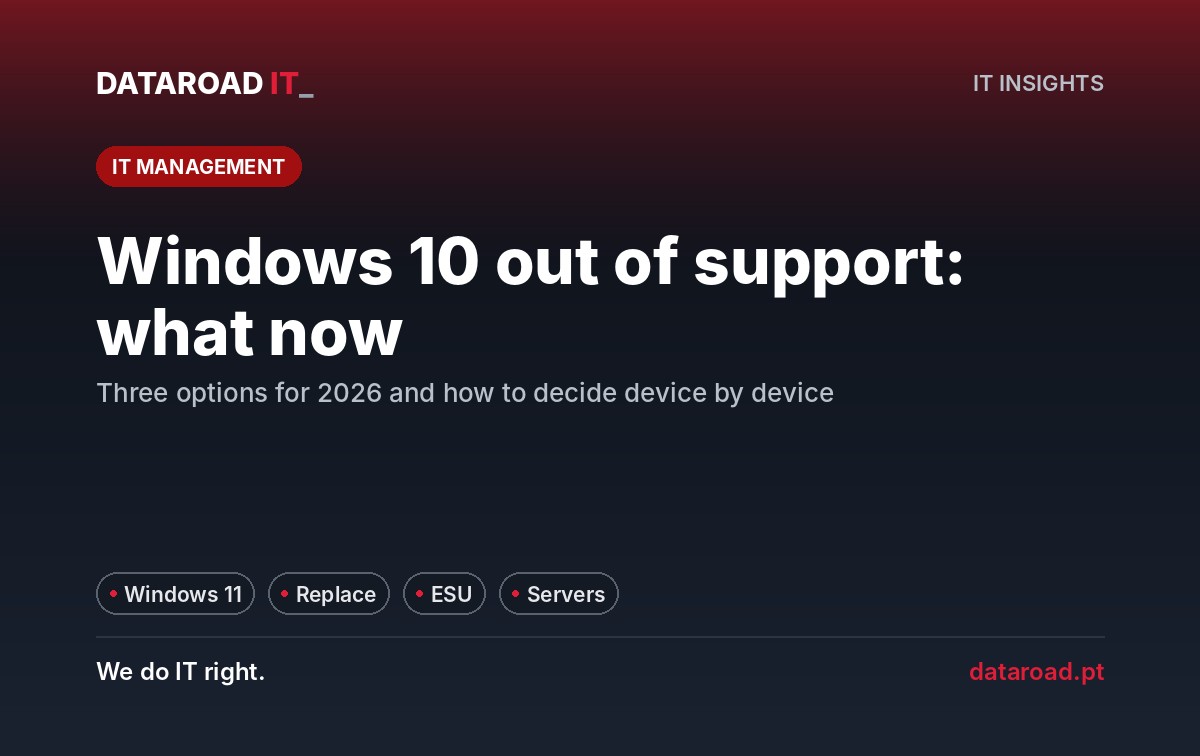
Windows 10 is not supportedOn October 14, 2025, Microsoft stopped publishing free security updates for Windows 10. Computers continue to turn on, Office continues to open, and therefore many Portuguese companies have not yet done anything. The problem is not what stops working — it’s what stops being fixed. Every vulnerability discovered thereafter remains open in all the workstations that have not been updated, and attackers know exactly where to look. This article explains the three options a company has in 2026 and how to choose without stopping the operation.
What actually changed in October 2025
Windows 10 has reached end of support: no security patches, no feature updates and no technical support from Microsoft. The system does not shut down or persistently warn you; it simply stops being protected. For a home user, it is an individual risk. For a business, it is a collective risk — a single outdated workstation connected to the network is enough to act as a gateway to all the others. Add to this the issue of the GDPR: a company that processes personal data on systems known to be unsupported will struggle to demonstrate that it has adopted “appropriate technical measures”.
Option 1: upgrade to Windows 11 on compatible devices
It is the cheapest option when the equipment meets the requirements: a recent processor (generally 8th-generation Intel or AMD Ryzen 2000 onwards), active TPM 2.0 and secure boot. Many laptops purchased from 2019 onwards are compatible and the update is free. What usually fails is not the update itself, but the surrounding ecosystem: old management software that has not been tested on Windows 11, printers with discontinued drivers, card readers or barcode scanners. Therefore, the rule is to update two or three different user workstations first, let them work for a week and only then proceed with the rest.
Option 2: replace the equipment that is not compatible
Workstations more than six years old rarely meet the requirements and, even if they did, they are near the end of their useful life. Replacing them is the only way to stay on Windows 11 with support and performance. To avoid concentrating the cost in a single month, most companies carry out the renewal in phases — first the workstations with sensitive data (management, finance, human resources), then the rest — and take the opportunity to standardise models, which reduces support costs over the coming years. Before buying, it is worth doing a complete inventory: our IT hardware audit checklist The equipment and operating systems block is ready to be filled in.
Option 3: Extended Security Updates (ESU) as a bridge
Microsoft sells extended security updates for Windows 10 to businesses for up to three years, paid per device and per year, with the price doubling each year. It is a bridge, not a destination: it makes sense for workstations that cannot be touched yet (a device connected to an industrial machine, critical software that still has no Windows 11 version) while replacement is being planned. Buying ESUs for the entire fleet and postponing the decision works out more expensive than renewing on a phased basis.
How to decide, post by post
- Compatible with Windows 11 and less than 5 years oldupdate, after testing the management software.
- Compatible but over 5 years oldupdate now and plan for replacement in the next budget.
- Not compatible: replace. If not possible immediately, ESU for one year and scheduled replacement.
- Connected to specialist equipmentisolate on its own network segment, without internet access, and negotiate with the machine's supplier.
What not to do
Do not leave Windows 10 devices without ESU connected to the company network with access to email and shared files. Do not rely on antivirus to compensate for the lack of system updates — it protects against malicious files, not against flaws in Windows itself. And do not migrate all devices on the same day: if something goes wrong, it goes wrong for the whole company at the same time.
What about the servers?
The same logic applies to servers, with different dates: Windows Server 2016 reaches end of support in January 2027 and 2012 has not had support since 2023. If you still have physical servers running these versions, the decision is not just about updating — it is a choice between replacing, virtualising or migrating to the cloud. We covered this decision on the page about servers and virtualisation.
How do we carry out the migration for our clients
In the contracts IT Unlimited Migration to Windows 11 is part of the service: we inventory the fleet, test critical software in a pilot site, schedule updates outside of working hours, and support users during the first few days. The replacement sites are included in the renewal plan with dates, and 24×7 monitoring (Premium 365) confirms that no equipment is left behind.
Frequently Asked Questions
Will my Windows 10 computer stop working?
No. It continues to boot up and run programmes. It just stops receiving security updates, which makes it progressively more vulnerable to attacks exploiting known flaws.
Can I continue to use Windows 10 if I have a good antivirus?
The antivirus protects against malicious files and behaviours, not against vulnerabilities in the operating system itself. It reduces the risk, but it does not replace updates.
Is the update to Windows 11 paid?
For compatible devices with a valid Windows 10 licence, the upgrade is free. The actual cost lies in the migration time, software testing and the eventual replacement of incompatible equipment.
How long does it take to migrate a 30-workstation company?
With a pilot site tested, the migration of the rest is carried out in one to two weeks, outside working hours, without stopping operations. Hardware replacements depend on delivery times.
Are there still jobs on Windows 10?
We take inventory, tell you which ones to upgrade, which ones to replace and in what order, and we carry out the migration without stopping the business. See the 24/7 computer assistance and maintenance (Premium 365) ou ligue +351 211 459 950.
DataRoad projects and success stories
IT Unlimited Essential
Desde 395 €por mês (+ IVA), para 10 postos
- Includes unlimited helpdesk, PC management, monitoring, patch management, and remote support
- Remote and telephone support only
no travel included - Ticketing support
with orders portal - Incident response with an SLA
- Update management
and security patches - Monthly activity report
- Helpdesk during working hours
by email and telephone - The price may increase with the number of stations, the size of the network, servers, websites, printers, NAS devices, critical systems, and Apple equipment.
IT Unlimited Premium
Desde 750 €por mês (+ IVA)
- Includes unlimited helpdesk, Microsoft 365 management, PC management, antivirus/EDR, monitoring, patch management, and remote support
- Unlimited in-person support
- With travel included
- Monitoring and alarm systems
- Complete IT infrastructure management
- Cybersecurity included
managed firewall and antivirus - Priority SLA
immediate response to critical incidents - No limit on hours
- Dedicated helpdesk
with priority in the queue - The price may increase with the size of the park and the network, servers, websites, printers and NAS, critical systems, and Apple equipment.
IT Unlimited Premium 365
Desde 1.200 €por mês (+ IVA)
- Includes unlimited helpdesk, Microsoft 365 management, PC management, antivirus/EDR, monitoring, patch management, and remote support
- Everything that’s included
no IT Unlimited Premium - 24 hours a day, 7 days a week, 365 days a year support
- Out-of-hours support: evenings,
weekends and bank holidays - Dedicated technical account manager
- Regular IT strategic alignment meetings
- Business Continuity Plan (Disaster Recovery)
- Priority access to network and infrastructure projects
- Customised executive reports
- The price may increase with the size of the park and the network, servers, websites, printers and NAS, critical systems, Apple equipment and off-hours coverage
Don't know which one to choose? Talk to us and receive a fixed-price quote · Como se calcula o preço
At DataRoad, technology is a passion. We really love what we do, and that shows in every network we install, in every problem we solve, and in every company we support.



















































































![mun[it] logo, a digital marketing agency — a DataRoad client](https://www.dataroad.pt/wp-content/uploads/2026/09/logo-cliente-munit.png)






































