
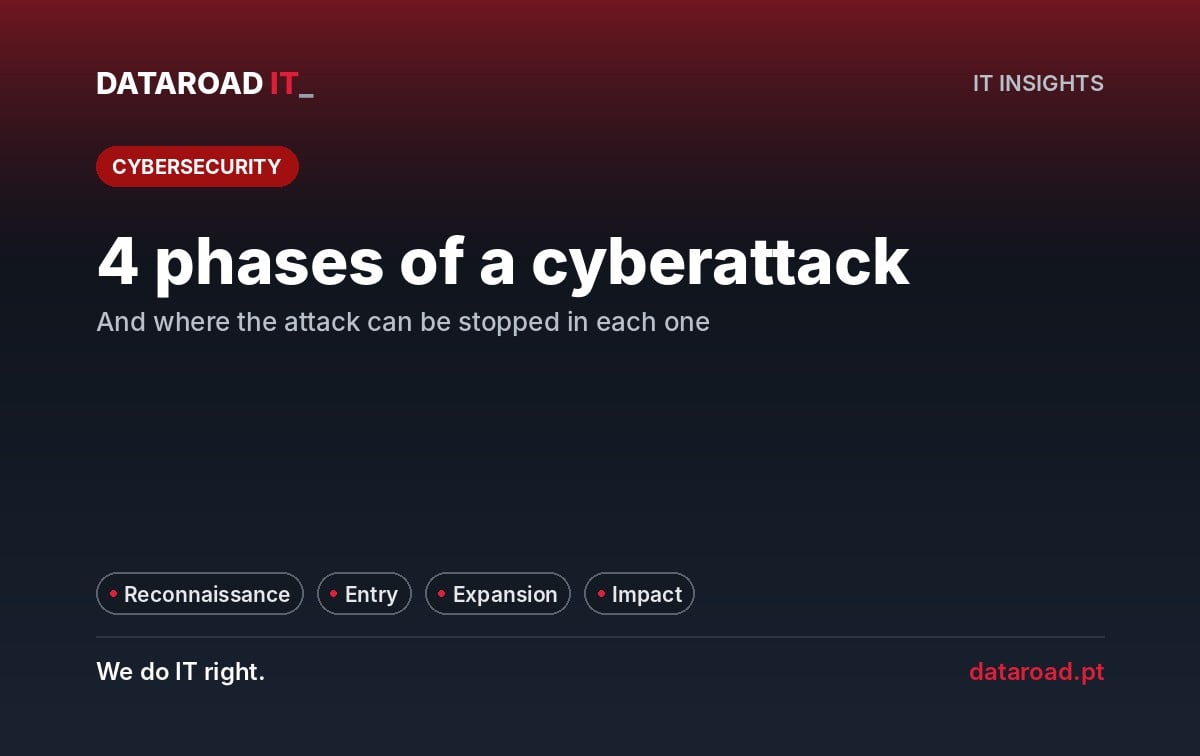
The 4 phases of a cyberattack on a companyWhen a company wakes up to encrypted files and a ransom request on the screen, it seems that the attack happened that night. That almost never is the case. The attacker entered days or weeks earlier, scoured the network, found the backup copies, deleted them, and only then hit the button. Understanding this sequence changes the way security is thought about: instead of a single wall, there are four moments when the attack can be stopped—and the sooner, the cheaper. This article describes the four phases as we see them in Portuguese SME incidents and how they work in each case.
Phase 1 — Reconnaissance: the attacker studies the company
Before any contact, the attacker gathers what is public: names and roles on LinkedIn, email addresses on the website, suppliers mentioned in the news, the software the company uses (which appears in job postings), and employee passwords that have appeared in data breaches on other sites. With this, they put together a tailored attack: an email from the “usual supplier”, a call from the “bank”, an login attempt with the reused password. This phase is invisible to the company and lasts from hours to weeks.
Where to stay: reducing what is exposed and what serves as a key. Unique passwords with a password manager They nullify leaks from other sites. Fewer generic email addresses on the site and an “on behalf of” ordering procedure reduce the attack surface for social engineering.
Stage 2 — Entrance: the first door
Three doors dominate in SMEs. The first is phishing: someone types their password into a fake website or opens an attachment that installs malicious software. The second is a service exposed to the Internet with a weak password or without MFA — a remote desktop, a VPN, an old portal. The third is an unpatched vulnerability in external-facing equipment: a firewall with old firmware, an unpatched server, unsupported Windows 10. The break-in itself takes minutes.
Where to stay: multi-factor authentication in everything that is accessible from the outside — makes a stolen password useless. Email filtering and trained team to report. Up-to-date updates and a managed firewall, with exposed services reduced to a minimum. This is the stage where most attacks on SMEs should die.
Phase 3 — Expansion: from a single petrol station to the entire network
With one foot inside, the attacker looks for three things: more credentials (above all administrator ones), the path to the servers and the backup copies. In a flat network, without segmentation, with users as administrators of their workstations and identical administrator passwords across all machines, this takes hours. It is also the phase in which the attacker disables the antivirus, creates their own accounts to return later and deletes or encrypts the backup copies they can reach. It can last days or weeks — and it is the moment when monitoring makes the difference between a compromised workstation and a paralyzed business.
Where to stay: network segmentation into VLANs, so that a compromised workstation cannot reach the servers or the backupshow do you do itUsers without administrator rights. Network-detached and immutable backups. A 24×7 monitoring (Premium 365) that detects anomalous behaviour — out-of-hours logins, new accounts, traffic to strange destinations — while it is still an alert and not a catastrophe. It's the four-step logic of Zero Trust for SMEs.
Stage 4 — Impact: what the company sees
Only here does the attack become visible: encrypted files and a ransom demand, data published or sold, fraudulent bank transfers, or simply the stoppage of systems. The attacker chooses the moment — often Friday night or the eve of a public holiday — to maximise the time until reaction. From this point on, the cost is no longer measured in prevention: it is measured in days of downtime, recovery fees, notifications to the CNPD and customers, and reputation.
Where to stay: it is no longer dealt with reactively, it is contained. A written and well-known incident response plan — who isolates what, who communicates, who calls whom. Tested backups kept out of the attacker's reach, which are the difference between restoring in hours and negotiating a ransom. A plan of disaster recovery with defined recovery times. And the first few hours well managed — what to do and what not to do is in our guide on data recovery in the first few hours.
Why phase 3 is the most important
Phase 2 will never be fully complete at 100% — people make mistakes and new vulnerabilities emerge every day. Phase 4 is too late to prevent anything. Phase 3 is where a company with segmentation, monitoring and protected backups turns a serious incident into a simple reinstallation. It is also the most overlooked phase, because it is not visible: companies invest in the entry point (firewall, antivirus) and in recovery (backups), whilst leaving the middle ground exposed.
A real, summarised sequence
A typical scenario in an SME: Tuesday, an accounting employee receives an email from the “supplier” with an invoice and enters their password on a fake portal. The attacker logs into the email that night, reads it for a week, and finds access to the remote desktop environment without MFA. They get onto the network, discover the user is a local administrator, extract credentials, and reach the file server and the backup NAS on the same segment. They delete the backups on Thursday night. They encrypt everything in the early hours of Saturday morning. Monday morning, the company finds out. With MFA on remote access, the attack would have stopped at phase 2. With VLANs and off-network backups, it would have stopped at phase 3 with a single server to restore. Without any of this, it was three weeks of partial downtime.
Frequently Asked Questions
How much time elapses between entry and impact?
In SMEs, typically between a few days and a few weeks. Automated attacks can encrypt within hours; targeted attacks take longer because the attacker searches for the backups before acting.
Doesn't a good antivirus block all of this?
It blocks part of phase 2 (malicious attachments) and part of phase 3 (known tools). It does not block stolen credentials used legitimately, which is how most attacks progress. That is why MFA and segmentation are more decisive.
Does paying the ransom work?
It doesn't guarantee recovery, it doesn't guarantee that data won't be published, and it funds the next attack. Companies with tested copies out of reach don't need to consider the question.
Where do I start if I don't have any of this?
In order of cost-benefit: MFA on all external access, off-network and tested backups, remove administrator rights from users, segment the network. The first two can be done in days.
At what stage would your company intercept an attack?
We walk through the four phases with your infrastructure and tell you in writing where the attack would stop today and what is missing to stop it sooner. See our managed cybersecurity for businesses ou ligue +351 211 459 950.
DataRoad projects and success stories
IT Unlimited Essential
Desde 395 €por mês (+ IVA), para 10 postos
- Includes unlimited helpdesk, PC management, monitoring, patch management, and remote support
- Remote and telephone support only
no travel included - Ticketing support
with orders portal - Incident response with an SLA
- Update management
and security patches - Monthly activity report
- Helpdesk during working hours
by email and telephone - The price may increase with the number of stations, the size of the network, servers, websites, printers, NAS devices, critical systems, and Apple equipment.
IT Unlimited Premium
Desde 750 €por mês (+ IVA)
- Includes unlimited helpdesk, Microsoft 365 management, PC management, antivirus/EDR, monitoring, patch management, and remote support
- Unlimited in-person support
- With travel included
- Monitoring and alarm systems
- Complete IT infrastructure management
- Cybersecurity included
managed firewall and antivirus - Priority SLA
immediate response to critical incidents - No limit on hours
- Dedicated helpdesk
with priority in the queue - The price may increase with the size of the park and the network, servers, websites, printers and NAS, critical systems, and Apple equipment.
IT Unlimited Premium 365
Desde 1.200 €por mês (+ IVA)
- Includes unlimited helpdesk, Microsoft 365 management, PC management, antivirus/EDR, monitoring, patch management, and remote support
- Everything that’s included
no IT Unlimited Premium - 24 hours a day, 7 days a week, 365 days a year support
- Out-of-hours support: evenings,
weekends and bank holidays - Dedicated technical account manager
- Regular IT strategic alignment meetings
- Business Continuity Plan (Disaster Recovery)
- Priority access to network and infrastructure projects
- Customised executive reports
- The price may increase with the size of the park and the network, servers, websites, printers and NAS, critical systems, Apple equipment and off-hours coverage
Don't know which one to choose? Talk to us and receive a fixed-price quote · Como se calcula o preço
At DataRoad, technology is a passion. We really love what we do, and that shows in every network we install, in every problem we solve, and in every company we support.






































































![mun[it] logo, a digital marketing agency — a DataRoad client](https://www.dataroad.pt/wp-content/uploads/2026/09/logo-cliente-munit.png)






































