8 min read · DataRoad
In summary
- Zero Trust means this: no one has access just because they are “inside” the network. Every access is verified — who is accessing, what equipment, what.
- In a SME with 10 to 200 employees, the essentials are done in four steps and about three months: identity, equipment, network, and minimum access.
- Most of it is done with what the company already pays for: Microsoft 365, a firewall, and managed equipment. It’s not a product that you buy.
- Why now: In SMEs, 55% of the data breaches analyzed by Verizon in 2026 involved third parties and 45% were caused by human error.
In this article
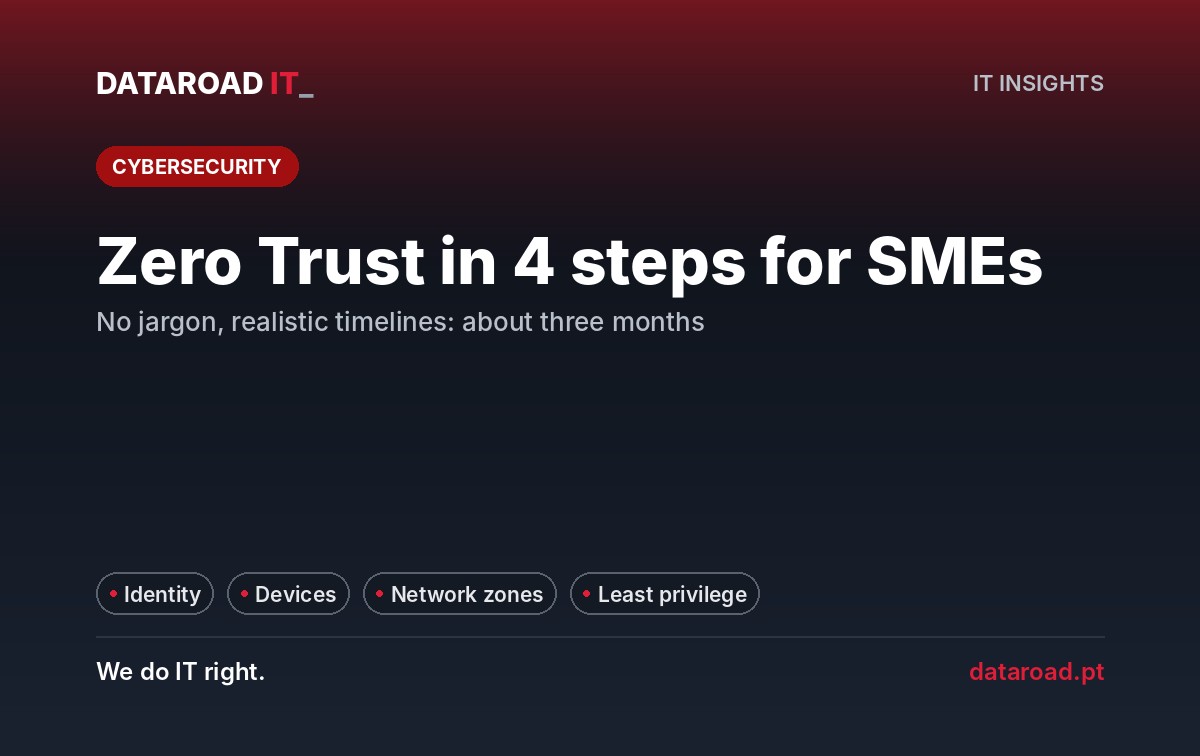
Zero Trust in a SME It’s not a bank project or a box that you buy. It’s a management rule: no access is automatic; every request is verified. In practice, it boils down to four steps — protecting accounts, controlling equipment, dividing the network, and giving each person only the access they need. In a company with 10 to 200 locations, the essentials are done in about three months.
Security vendors like to sell Zero Trust as something complex and expensive. It doesn’t have to be that way. This guide translates the concept for decision-makers and shows what to do each month.
Zero Trust translated for managers
For years, corporate security functioned like a fortress: a strong wall (the firewall) and total trust for those inside. The model no longer serves because no one is just “in there” anymore: there is teleworking, Microsoft 365 in the cloud, mobile phones, vendors with remote access. And most attacks don’t bring down the wall — they get in with someone’s password.
The result for the manager is concrete: if a password is stolen or a laptop is infected, the damage is limited to one person and one part of the systems — and not to the entire company.
Why has this become urgent?
Verizon's 2026 data breach report shows that in small and medium-sized businesses, 55% of the analyzed breaches involved third parties (suppliers, partners, service providers) and 45% had a human element—a click, an error, a reused password. No perimeter firewall solves this on its own.
The European NIS2 directive also requires, among risk management measures, access control policies, asset management, and multi-factor authentication. It does not use the term “Zero Trust,” but the four steps cover a large part of this technical work. If your company is covered, read our guide. NIS2 explained for SMEs.
The 4 steps, in this order
Step 1 — Identity: protecting the accounts
- Multi-factor authentication on all accounts, starting with Microsoft 365 and administrators.
- Accounts of former employees deactivated on the same day of departure.
- Administrators reduced to two or three identified individuals, with separate accounts to manage.
- End of shared accounts (“general@”, “shop1”) to log into systems.
É o passo com maior retorno: uma palavra-passe obtida por phishing deixa de chegar para entrar. Na maioria das licenças Microsoft 365 é sem compromisso adicional — o trabalho é de organização. Mais detalhe no guia de Multifactor authentication for businesses and in the one of password manager.
Step 2 — Equipment: knowing what exists and in what condition
- Inventory of all computers and mobile phones with access to company data.
- Protection against threats and active updates on all devices.
- Access to data only from devices that comply with the rules — in Microsoft 365, through conditional access policies.
Unsupported equipment, such as Windows 10 since October 14, 2025, is the first problem to be resolved: see what to do with the end of Windows 10 support.
Step 3 — Network: divide into zones
The network no longer becomes a single space. Workstations, servers, guests, printers, and cameras are in separate zones, and the firewall decides what can pass between them. If a computer becomes infected, the attack is contained within a zone — it does not encrypt the servers and backups. With manageable switches and a managed firewall, this is configuration, not a purchase.
Step 4 — Minimum access: only what is needed for each person
- Reviewing permissions in shared folders, SharePoint, and Teams.
- Users without administrator rights on their own computer.
- Remote access via an application instead of access to the entire network — the topic of a VPN is no longer enough.
It is the most laborious step, because it changes habits, and that is why it comes at the end. It has also gained a new urgency: Copilot and other AI tools show every person everything they have access to. We explain why in AI in the company: the rules to be followed before ChatGPT and Copilot.
The plan month by month
Realistic timelines for a company with 10 to 200 employees, with a dedicated IT partner and the involvement of management:
| Month | What to do | Who decides / executes | What changes for the team |
|---|---|---|---|
| Month 1 | Multi-factor authentication for all accounts; cleaning up old accounts and administrators; inventory of equipment | Administration approves; IT implements | Confirmation on the mobile phone when logging in |
| Month 2 | Protection and updates on all devices; conditional access in Microsoft 365; replacement plan for devices that are no longer supported | IT implements; financial direction approves the changes | Personal devices stop downloading data |
| Month 3 | Network divided into zones; isolated guest network; limited VPN and individual vendor accounts | The IT department carries out a planned intervention | Practically nothing — it’s invisible when done well |
| Continuous | Quarterly review of permissions; removal of administrator rights; gradual transition to application access | Commanders approve access; IT applies | Requests for software installation go through IT |
What we left out — and why
There are advanced Zero Trust solutions: user behavior analysis, application-by-application segmentation, and continuous verification of the status of each device. For most SMEs, the cost is high and the gain is small as long as the four basic steps are not taken. Order matters: multi-factor authentication without network segmentation protects the accounts but not the network; network segmentation without multi-factor authentication does the opposite.
A real case: Windows and Mac, one rule
At the Lisbon office of Reltio by SAP, DataRoad, an American data software company, has a permanent maintenance and network management contract: 125 structured network points, a firewall, three Cisco Meraki Wi-Fi access points, specialized support for 35 Dell devices and 40 MacBook Pro.
It’s a good illustration of step 2: a mixed park, Windows and Mac, where the rules have to be the same regardless of the system. With the inventory done and the network managed from a single place, applying the four steps is a matter of method — not of buying more boxes.
Frequently Asked Questions
Is Zero Trust a product you can buy?
No. It’s a way of drawing the access points. Some products help, but the four essential steps are done, in most SMEs, with Microsoft 365, the firewall, and the equipment the company already has.
Will it make the work slower?
Almost nothing, if done well. Multi-factor authentication requires a confirmation on the mobile phone, and conditional access is invisible when the device complies with the rules. The most visible change is to stop installing programs without going through IT — and that is intentional.
Does a 15-person company need this?
Steps 1 and 3 — multi-factor authentication and a separate guest network — are recommended in any company. Steps 2 and 4 increase with the size of the company and the sensitivity of the data.
Does NIS2 require Zero Trust?
NIS2 does not use the term, but requests access control, asset management, and multi-factor authentication as risk management measures. The four steps cover much of this technical work. DataRoad implements the technical measures; the legal analysis should be done by a lawyer.
Zero Trust diagnosis in 10 working days
We assess your accounts, equipment, network and permissions, tell you where your company stands and deliver the plan for the next three months. For companies with more than 10 seats · support contract · remote and on-site support. managed cybersecurity — firewalls, equipment protection, multi-factor authentication and alarm system — are included in the plans IT Unlimited Premium.
Zero Trust diagnosis in 10 working days
Find out what stage your company is at and what to do in the next 3 months.
Sources
- Verizon — 2026 Data Breach Investigations Report, Executive Summary (small business data)
- EUR-Lex — Directive (EU) 2022/2555 (NIS2), Article 21.
- Microsoft Learn — Windows 10 Lifecycle
DataRoad projects and success stories
IT Unlimited Essential
Desde 395 €por mês (+ IVA), para 10 postos
- Includes unlimited helpdesk, PC management, monitoring, patch management, and remote support
- Remote and telephone support only
no travel included - Ticketing support
with orders portal - Incident response with an SLA
- Update management
and security patches - Monthly activity report
- Helpdesk during working hours
by email and telephone - The price may increase with the number of stations, the size of the network, servers, websites, printers, NAS devices, critical systems, and Apple equipment.
IT Unlimited Premium
Desde 750 €por mês (+ IVA)
- Includes unlimited helpdesk, Microsoft 365 management, PC management, antivirus/EDR, monitoring, patch management, and remote support
- Unlimited in-person support
- With travel included
- Monitoring and alarm systems
- Complete IT infrastructure management
- Cybersecurity included
managed firewall and antivirus - Priority SLA
immediate response to critical incidents - No limit on hours
- Dedicated helpdesk
with priority in the queue - The price may increase with the size of the park and the network, servers, websites, printers and NAS, critical systems, and Apple equipment.
IT Unlimited Premium 365
Desde 1.200 €por mês (+ IVA)
- Includes unlimited helpdesk, Microsoft 365 management, PC management, antivirus/EDR, monitoring, patch management, and remote support
- Everything that’s included
no IT Unlimited Premium - 24 hours a day, 7 days a week, 365 days a year support
- Out-of-hours support: evenings,
weekends and bank holidays - Dedicated technical account manager
- Regular IT strategic alignment meetings
- Business Continuity Plan (Disaster Recovery)
- Priority access to network and infrastructure projects
- Customised executive reports
- The price may increase with the size of the park and the network, servers, websites, printers and NAS, critical systems, Apple equipment and off-hours coverage
Don't know which one to choose? Talk to us and receive a fixed-price quote · Como se calcula o preço
At DataRoad, technology is a passion. We really love what we do, and that shows in every network we install, in every problem we solve, and in every company we support.



































































![mun[it] logo, a digital marketing agency — a DataRoad client](https://www.dataroad.pt/wp-content/uploads/2026/09/logo-cliente-munit.png)






































