Setting up a new office is the ideal time to do the network properly — and the worst time to improvise it. Decisions made now will condition performance and reliability for years. This guide shows what to plan, in what order, and the most common mistakes to avoid.
Start with the needs, not the equipment
Before choosing brands, answer: how many people are going to work here? What growth do you expect over the next few years? Which applications are critical? These answers define everything else.
The essential elements to plan
- Network points: plan for enough sockets per workstation (ideally two) with room for expansion.
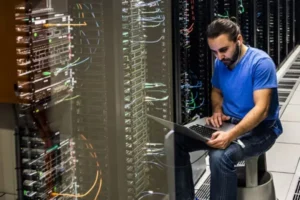
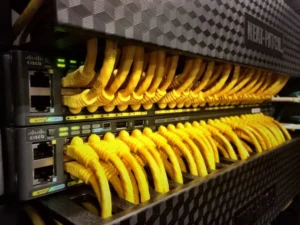
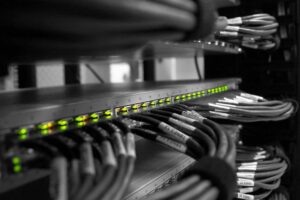
- Rack a central, organised point for concentrating equipment and connections.
- Active equipment appropriate switches and routers, not domestic hardware.
- Wi-Fi: professional access points for total coverage, integrated into the wired network.
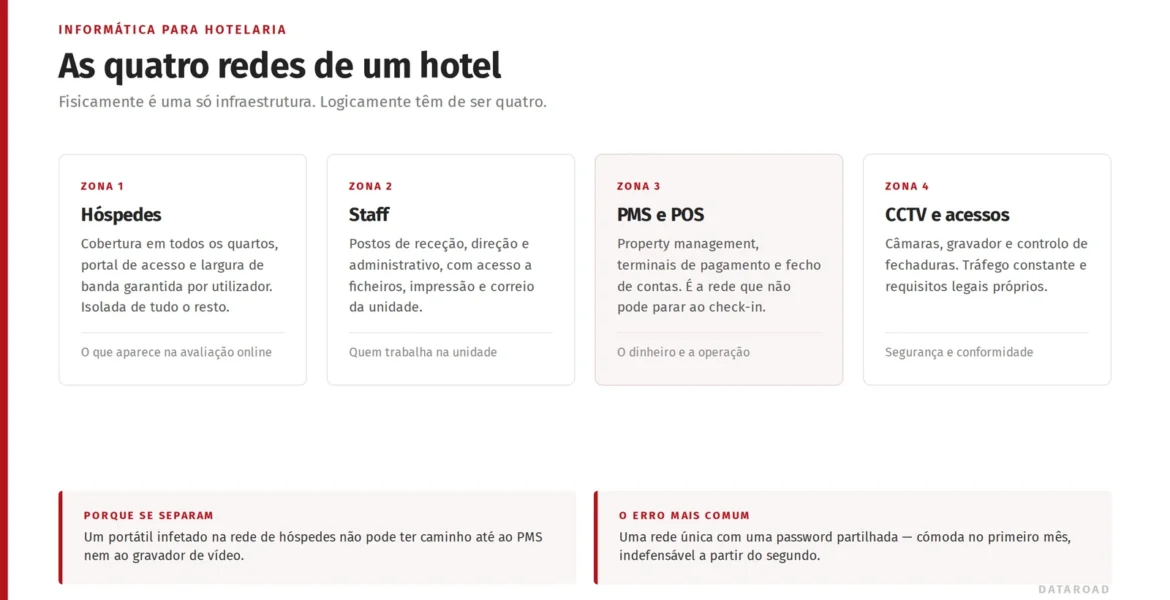
- Safety: VLAN segmentation, guest network and firewall from the outset.
Coordinate with the site
The right time to lay cabling is during the building work, before closing ceilings and walls. Coordinating the network installation with the architecture and electricity avoids expenses and patching up later, and ensures sockets are in the right places.
Common mistakes to avoid
- Undersizing the number of network points “to save money”.
- Using domestic equipment on a corporate network.
- Forgetting about Wi-Fi and security in the initial planning.
- Failing to document and label the network.
Frequently Asked Questions
How many network points should I allow for per workstation?
As a rule of thumb, at least two per workstation, plus points for printers, access points and meeting rooms — always with some slack for growth.
Do I need a patch panel in a small office?
Yes, even though it's small (wall-mounted). Concentrating the equipment and connections in an organised rack avoids confusion, faults and future headaches.
Do I need to sort out the Wi-Fi at the same time?
Yes. Planning the Wi-Fi alongside the wired network ensures complete coverage and a clean integration, rather than improvised solutions later.
Are you going to open a new office?
We design and install the complete turn-key network: Office network installation.